YOUR CREATIVE CORNER. IN YOUR HAND.
A little art.
Wherever you are.
A focused space for the wonderfully weird things in your imagination. Made for fingers, Apple Pencil, and a few minutes to yourself.
Request a TestFlight invite ↗Hajimete is currently available to invited TestFlight testers. A public App Store release is still ahead.
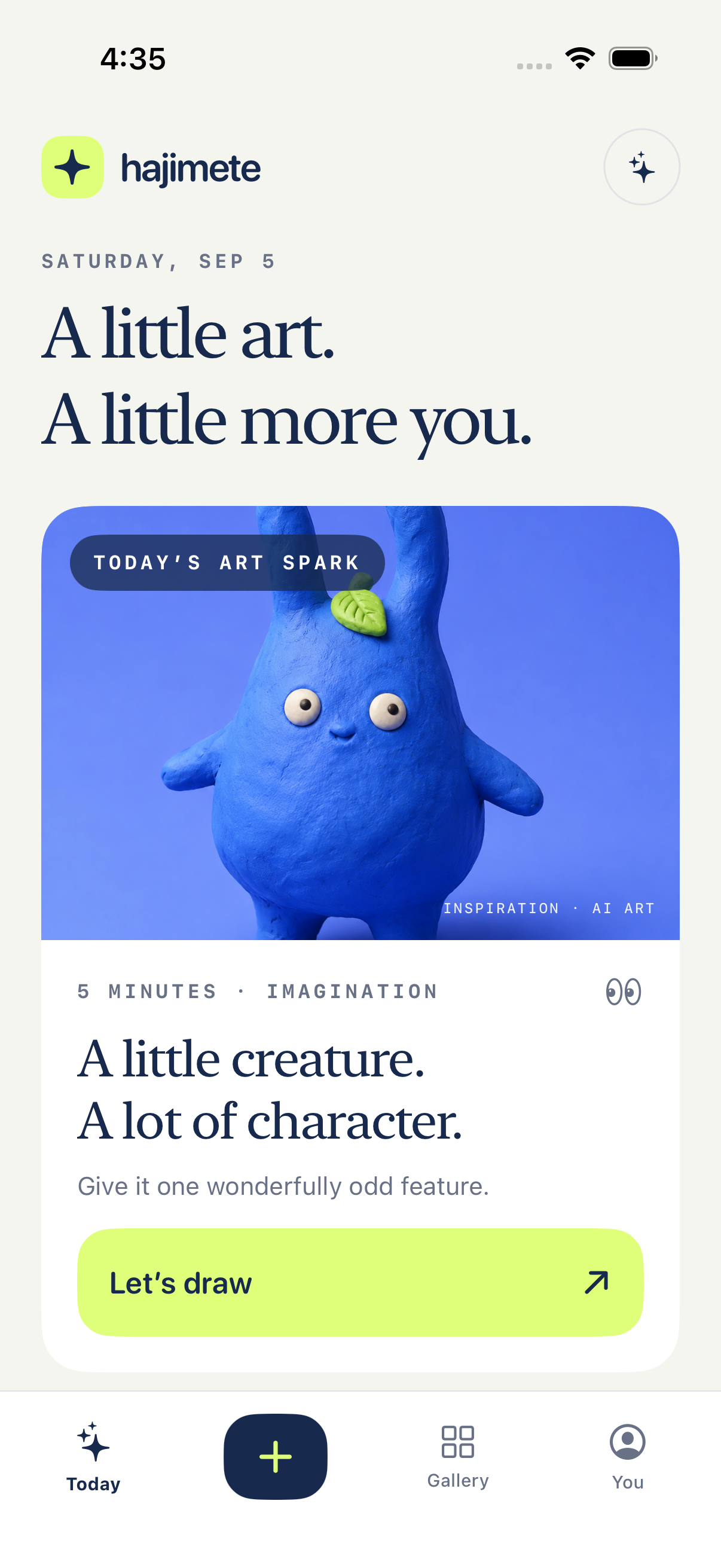
From your hand. Into your collection.
Make your mark
Draw with your finger or Apple Pencil. Try different brushes, undo a stroke, and keep editable originals on your device.
Follow a written idea
Start with words, or use a drawing as your guide. Choose anime, clay, plush, painted or sharp asset style for your AI artwork.
A story for every artwork
See the versions you created, explore another direction and download favorites. Permanently delete a version when you’re ready to let it go.
One account. More possibilities.
Sign in with Apple, Google or your existing password. Your account connects cloud artwork and your credit balance across the web and app.
How to use the fill bucket
Draw a closed shape with the Pen, choose a color, select Fill bucket, then tap inside the shape with your finger or Apple Pencil. A gap in the outline lets the color spread outside. Tap Undo if that happens, close the gap with the Pen, and try again. Select Pen again to keep drawing. Filling a blank canvas colors the whole page.
You can also use the web drawing studio, which includes a fill-tolerance control. Lower the tolerance if color crosses a faint outline.
A little clarity about credits.
Standard AI images use 1 credit and premium images use 4. You review the cost before creating. Drawing itself is open without an account.
Web payments are being tested with designated sandbox accounts. Apple in-app purchases are not enabled yet. The planned offers are $9.99/month for 60 credits and $4.99 for 25 extra credits.
And the third dimension?
The 3D character lab shows the earlier character workflow and real 3D examples. Build 7 adds a 3D studio inside the app: choose a finished image, review the separate 12-credit conversion, then rotate and download the textured GLB model. Your 3D collection is also available on the web.
Make a little art on the web ↗